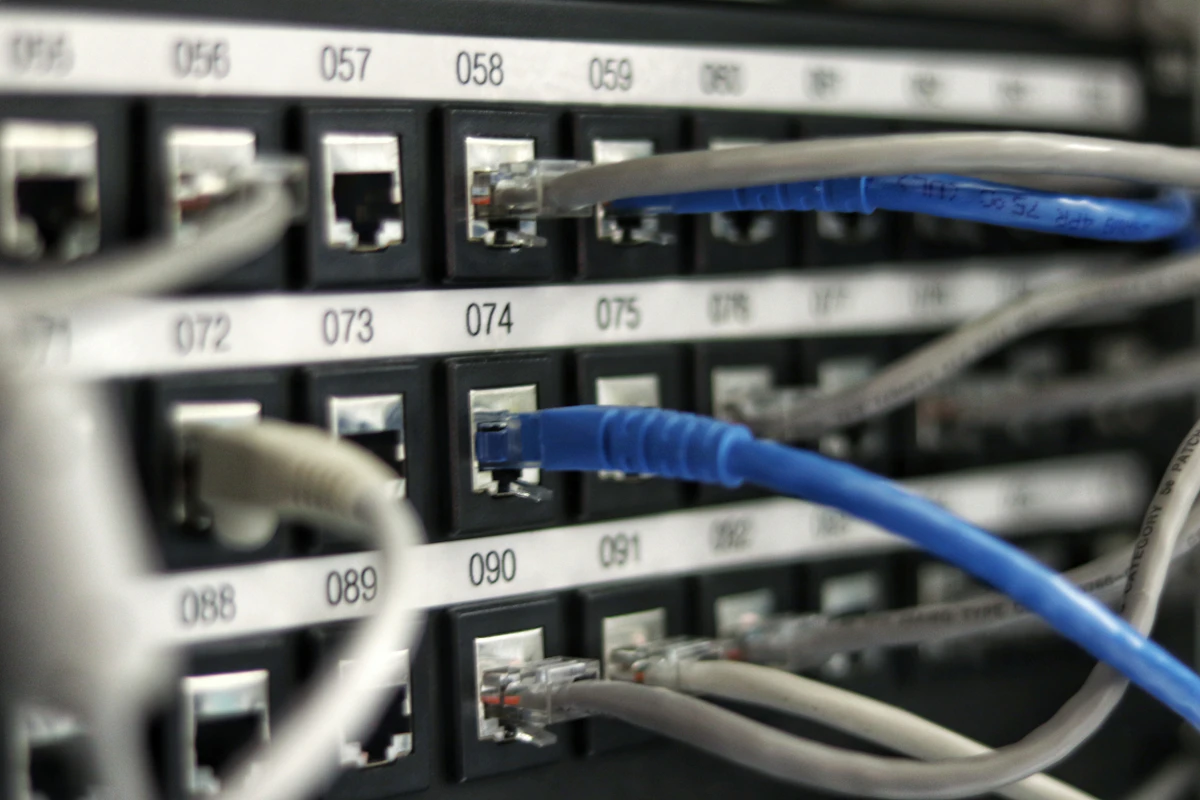
After extensive field trials and regulatory spectrum auctions by the Nepal Telecommunications Authority (NTA), commercial 5G (Fifth Generation) connectivity is officially rolling out across metropolitan hubs in Nepal. Both government-owned Nepal Telecom (NTC) and private telecom leader Ncell Axiata have deployed high-capacity mid-band and low-band towers.
How fast is 5G in Nepal in reality? Does your smartphone support the local frequency bands? And how can you upgrade your existing SIM card to 5G or eSIM today? Here is our detailed user guide.
1. NTC vs Ncell 5G Speed Test Results in Kathmandu
We tested 5G speeds using Ookla Speedtest across prominent locations in Kathmandu Valley, including Sundhara, New Road, Baneshwor, and Pulchowk:
| Network & Metric | Peak Download | Average Download | Upload Speed | Latency (Ping) |
|---|---|---|---|---|
| NTC 5G (n41 - 2600MHz) | 845 Mbps | 420 – 580 Mbps | 78 Mbps | 11 ms |
| Ncell 5G (n78 - 3500MHz) | 790 Mbps | 380 – 510 Mbps | 65 Mbps | 14 ms |
| Standard 4G LTE (Benchmark) | 48 Mbps | 18 – 28 Mbps | 8 Mbps | 38 ms |
Real-World Takeaway: A 2GB Netflix 4K movie file downloads in approximately 22 seconds on NTC 5G, compared to over 8 minutes on traditional 4G LTE networks.
2. Which 5G Bands Are Used in Nepal?
To access 5G in Nepal, your imported or MDMS-registered smartphone must support these specific 5G NR bands:
- Band n41 (2600 MHz): Nepal Telecom's primary high-speed urban band.
- Band n78 (3500 MHz): Global standard mid-band used by both NTC and Ncell.
- Band n28 (700 MHz): Low-frequency coverage band ensuring penetrating indoor signal inside thick concrete buildings.
3. How to Activate 5G & eSIM on Your Phone
📲 NTC 5G Activation
- Ensure your SIM is a 4G/USIM (upgrade free at any NTC counter if older).
- Dial
*1415#or use the official Namaste / Nepal Telecom App. - Use to Network Settings > Cellular > Voice & Data and select 5G Auto / 5G On.
- To convert to an eSIM, send SMS
eSIM <email>to1415.
🟣 Ncell 5G Activation
- Dial
*17123#to check 5G eligibility and service coverage. - Turn on Data Roaming and set preferred network to 5G/4G/3G/2G (auto).
- For instant eSIM conversion, dial
*17125#and follow the automated SMS instructions.
Radio Frequency Spectrum & Deployment Topology (Band n78 vs Band n28)
The roll-out of 5G across metropolitan regions in Nepal (including Kathmandu Valley, Pokhara, Biratnagar, and Nepalgunj) utilizes a dual-tier radio frequency architecture approved by the Nepal Telecommunications Authority (NTA). Understanding which frequency band your mobile device connects to determines whether you experience gigabit burst throughput or broad suburban coverage:
| 5G Spectrum Band | Operating Frequency | Typical Downlink Speed | Propagation Range | Primary Use Case |
|---|---|---|---|---|
| Mid-Band (n78) | 3500 MHz (3.5 GHz) | 650 Mbps - 980 Mbps | Short (Dense Urban Hubs) | 4K Streaming, Low-Latency Gaming |
| Low-Band (n28) | 700 MHz | 85 Mbps - 180 Mbps | Long (Rural & Highways) | Deep Indoor Penetration |
| Refarmed 4G (n3) | 1800 MHz (DSS) | 120 Mbps - 260 Mbps | Moderate (Suburbs) | Dynamic Spectrum Sharing |
Non-Standalone (NSA) vs. Standalone (SA) Core Architecture
Initial commercial 5G deployments by Nepal Telecom and Ncell operate on 5G NSA (Non-Standalone) architecture. Under NSA, the user's phone utilizes existing 4G LTE eNodeB base stations for control signaling and session management, while offloading high-bandwidth user-plane data onto high-speed 5G gNodeB carriers. While NSA allows rapid commercial rollout without entirely replacing telecom core equipment, true sub-5ms latency and network slicing will emerge when operators migrate to full 5G SA (Standalone) 5GC core networks.
- ⚡ The Complete 2026 Guide to Freelancing & Dollar Income in Nepal: Upwork, Payoneer to eSewa & 5% Advance Tax Rules
- ⚡ Land Solution: Nepal's Premier Land Measurement, Cadastral Plotter & Kitta-Kaat Software
- ⚡ NTA MDMS Registration Nepal 2026: Step-by-Step Online Process, Documents, Fees & IMEI Verification
- ⚡ Tesla Delays Roadster, Secures $30B Credit for Cybercab & Optimus
- ➔ Tesla Delays Roadster, Secures $30B Credit for Cybercab & Optimus
- ➔ Snapdragon 8 Elite vs Dimensity 9400: Qualcomm’s 4.32GHz Oryon Architecture Clashes with MediaTek’s All-Big-Core Beast
- ➔ Apple's Secret 'Screenless' Fitness Tracker: Why Cupertino Is Building a Minimalist Whoop Rival
- ➔ Why 'Bedazzle Everything' & Digital Maximalism Are Dominating TikTok & Tech Accessories in 2026



💬 Reader Discussion & Feedback 0